Deploying a Virtual Machine (VM) in Azure is one of the first tasks in cloud adoption—and it can be done in minutes.
But what sets professionals apart is how securely it’s configured from the start.
Step-by-Step Instructions
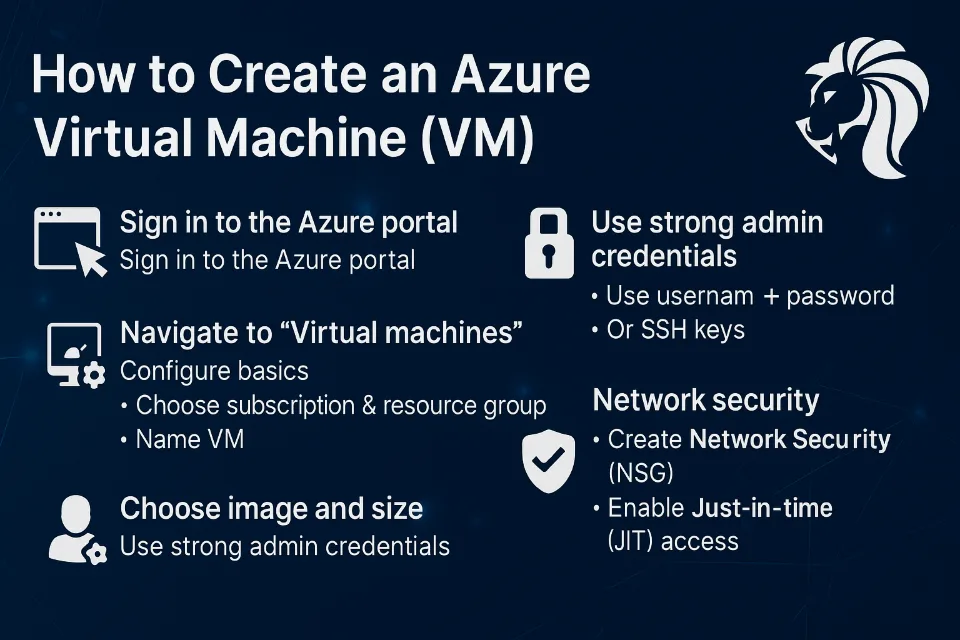
1️⃣ Sign in to Azure Portal
Visit portal.azure.com and authenticate using your Microsoft or Azure AD credentials.
2️⃣ Navigate to "Virtual Machines"
From the left-hand menu, select Virtual Machines > + Add > + Virtual machine
3️⃣ Configure Basics
- Subscription & Resource Group: Choose your active subscription and group.
- VM Name: Give it a clear and unique name.
- Region: Select a data center closest to your audience.
4️⃣ Choose Image and Size
- Pick an OS image (e.g., Windows Server 2022, Ubuntu)
- Select VM size (B-series for testing, D-series for general use)
5️⃣ Administrator Credentials
- Use a strong username + password, or
- Better: Use SSH key pair authentication
Step 6: Network Security (Most Overlooked!)
✅ Create a Network Security Group (NSG) to:
- Allow only RDP (3389) or SSH (22) from specific IPs
- Block all unnecessary inbound ports
🔐 Enable Just-in-Time (JIT) VM access in Defender for Cloud
This limits RDP/SSH exposure windows to on-demand access only.
Final Steps
7️⃣ Select and create a new or existing virtual network
8️⃣ Configure storage and enable diagnostics (optional)
9️⃣ Click Review + Create
🔟 Hit Create and wait for the deployment to finish!
Pro Tip from Alcaeus Services
Don't expose your VMs to the internet.
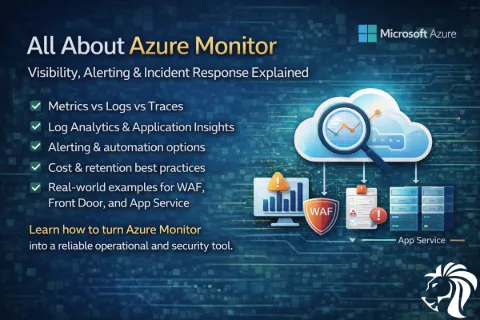
Instead, place them behind a bastion host or VPN and monitor all access with Azure Monitor and Defender for Cloud.
Need help designing a secure VM architecture?
📩 Reach out to Alcaeus for a free consultation.