
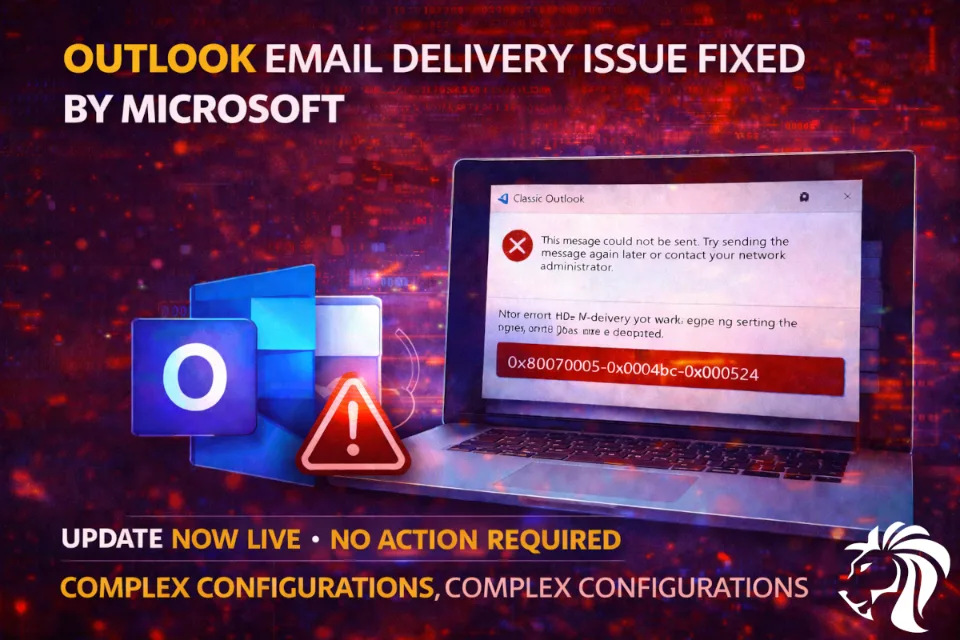
Microsoft has resolved a known issue preventing some Classic Outlook users from sending emails via Outlook.com, after widespread reports of failed message delivery.
The issue highlights a familiar challenge in modern email systems:
Complex account configurations can lead to unexpected failures — even in core communication tools.
What was the issue?
Users reported that emails sent from Classic Outlook using Outlook.com accounts were failing to deliver.
Symptoms included:
- ❌ Messages not reaching recipients
- ⚠️ Non-Delivery Reports (NDRs)
- 🔴 Error codes:
- 0x80070005
- 0x0004dc
- 0x000524
Error message:
“This message could not be sent. Try sending again later or contact your administrator.”
Who was affected?
The issue mainly impacted users:
- Using Classic Outlook (desktop client)
- Sending emails via Outlook.com accounts
- With Outlook profiles linked to Exchange accounts
In some cases, the problem was also triggered by:
👉 Conflicts with Exchange Online mail contacts using the same SMTP address
The fix
Microsoft has now implemented a server-side resolution.
📅 Deployed: April 3, 2026
Key points:
- No manual update required
- Fix applied automatically in the backend
- Email delivery functionality restored
Workarounds (if still affected)
For users still experiencing issues, Microsoft recommends:
1. Switch to New Outlook
Or use Outlook.com (web version)
2. Update Address Book
Download and refresh the Outlook Address Book
Ongoing Outlook issues
This is not the only recent issue affecting Outlook users.
Microsoft is currently dealing with multiple bugs:
Recently resolved
- Classic Outlook Crashes When Teams Meeting Add-in is Enabled
Still under investigation
- “Can’t connect to server” errors when creating groups
- Disappearing mouse pointer in Outlook, OneNote, and M365 apps
- Exchange Online issues affecting:
- Outlook mobile
- macOS users
What this means
This incident reflects broader trends:
- Increasing complexity in hybrid email environments
- Dependency on cloud + legacy client interactions
- Growing need for modernized clients (New Outlook)
Key takeaway
Even core services like email can fail due to configuration and integration complexity.
Organizations should:
- Keep clients updated
- Monitor known issues
- Be ready to switch to alternative access methods when needed


