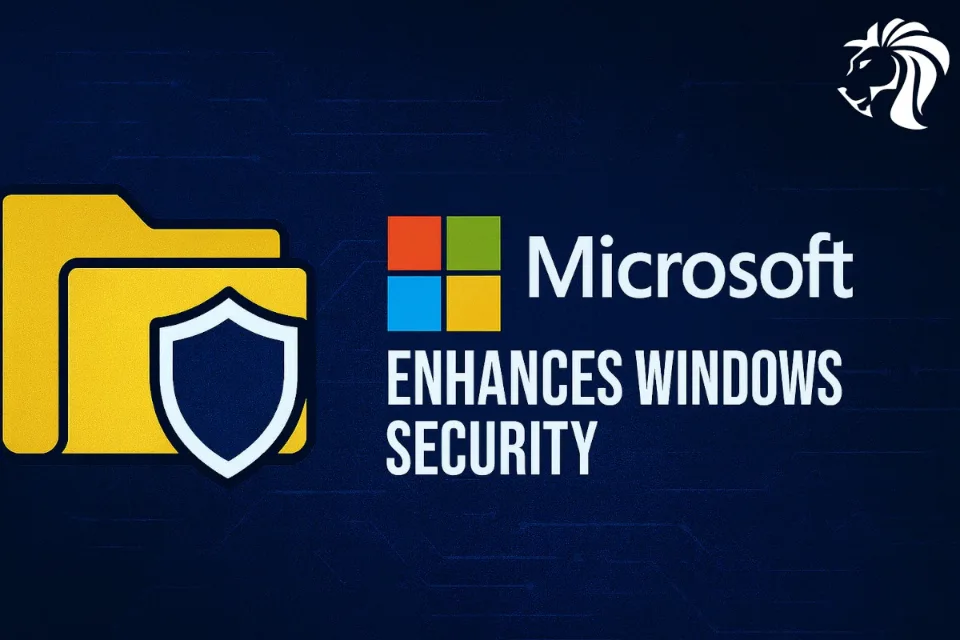
Microsoft has rolled out a major security improvement with the October 2025 Patch Tuesday update: File Explorer (formerly Windows Explorer) now automatically blocks file previews for files downloaded from the Internet.
Why This Matters
Threat actors have been exploiting a File Explorer preview vulnerability that allows credential theft via NTLM hash leaks.
The attack required no clicks — simply selecting a malicious file in File Explorer’s preview pane was enough to trigger data exfiltration.
This exploit relied on HTML tags like <link> or <src> referencing attacker-controlled servers, allowing automatic requests that exposed authentication hashes.
The New Protection
Now, File Explorer disables previews by default for:
- Files marked with Mark of the Web (MotW) (i.e., downloaded from browsers or email).
- Files stored on Internet Zone file shares.
When attempting to preview such files, users will see a warning:
“The file you are attempting to preview could harm your computer. If you trust the file and the source you received it from, open it to view its contents.”
This security enhancement aims to block NTLM hash theft before it happens, closing a key attack vector for credential-harvesting campaigns.
How to Unblock Trusted Files
Users can still preview legitimate files if needed:
- Right-click the file and choose Properties.
- On the General tab, select Unblock.
- Click OK (and sign out/in if needed).
Alternatively, admins can whitelist trusted file shares under Internet Options → Security → Trusted sites or Local intranet zone.
Automatic Protection
No configuration is required — the protection is enabled automatically with the October 2025 cumulative update for:
- Windows 11
- Windows Server (latest versions)
Existing workflows remain unaffected unless users frequently preview downloaded files.
Alcaeus Services Insight
This change highlights Microsoft’s growing emphasis on proactive credential protection — securing even seemingly harmless user interactions like file previews.
At Alcaeus Services, we help organizations implement credential hardening, Windows security baselines, and update automation to ensure these protections are applied seamlessly across enterprise environments.