
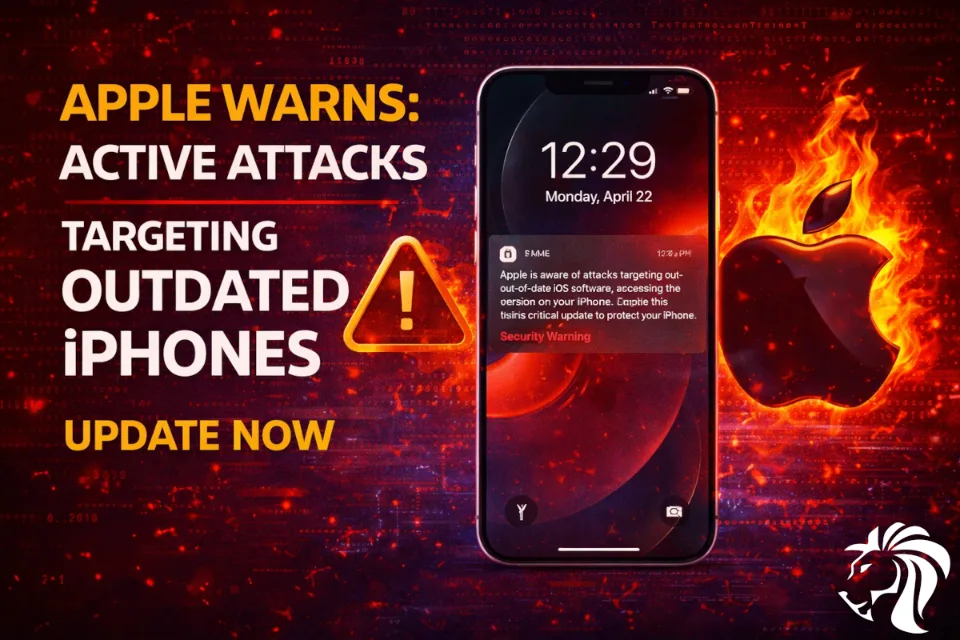
Apple has taken an unusual step to protect users by sending Lock Screen notifications to iPhones and iPads running outdated software — warning of active web-based attacks and urging immediate updates.
This move highlights a growing concern:
Outdated devices are now actively targeted using advanced exploit kits.
What’s happening?
Users running older versions of iOS and iPadOS are receiving alerts directly on their devices:
“Apple is aware of attacks targeting out-of-date iOS software… Install this critical update to protect your iPhone.”
Unlike typical update reminders, this notification is a security warning tied to real-world exploitation.
The threat: advanced exploit kits
The warning follows the discovery of powerful exploit frameworks, such as:
- Coruna
- DarkSword
These exploit kits are designed to deliver malware simply by visiting a compromised website — no user interaction required beyond browsing.
Target scope:
- Coruna: iOS 13.0 → 17.2.1
- DarkSword: iOS 18.4 → 18.7
Evolution of sophisticated attacks
According to security researchers, Coruna is not just another exploit kit.
It is an evolution of the framework used in:
👉 Operation Triangulation — a highly sophisticated campaign using zero-click iMessage exploits
This suggests:
- Continuous development of advanced attack tools
- Reuse and evolution of nation-state-level capabilities
A worrying trend: exploit democratization
One of the biggest concerns is how these tools are spreading.
There are growing indications of:
- A secondary market for zero-day exploits
- Advanced tools are becoming accessible beyond nation-states
- Increased use by cybercriminal groups
👉 This could turn highly targeted attacks into mass exploitation campaigns
Why this matters
Historically, iPhones and iPads have been considered highly secure devices.
However, the emergence of these exploit kits means:
- Outdated devices are high-risk targets
- Simply browsing the web can lead to compromise
- The mobile attack surface is expanding rapidly
How to stay protected
1. Update immediately
Install the latest iOS/iPadOS version as soon as possible
2. Enable Lockdown Mode (if available)
Designed for high-risk users, it significantly reduces the attack surface
👉 Apple states no successful spyware attacks have been observed on devices with Lockdown Mode enabled
3. Avoid risky browsing
Be cautious when visiting unknown or untrusted websites
4. Replace unsupported devices
Devices that cannot be updated should be considered high risk
Key takeaway
Apple’s Lock Screen alerts are a clear signal:
Mobile threats are evolving — and outdated devices are now actively hunted.
Security is no longer just about having a secure device — it’s about keeping it continuously updated and hardened.


