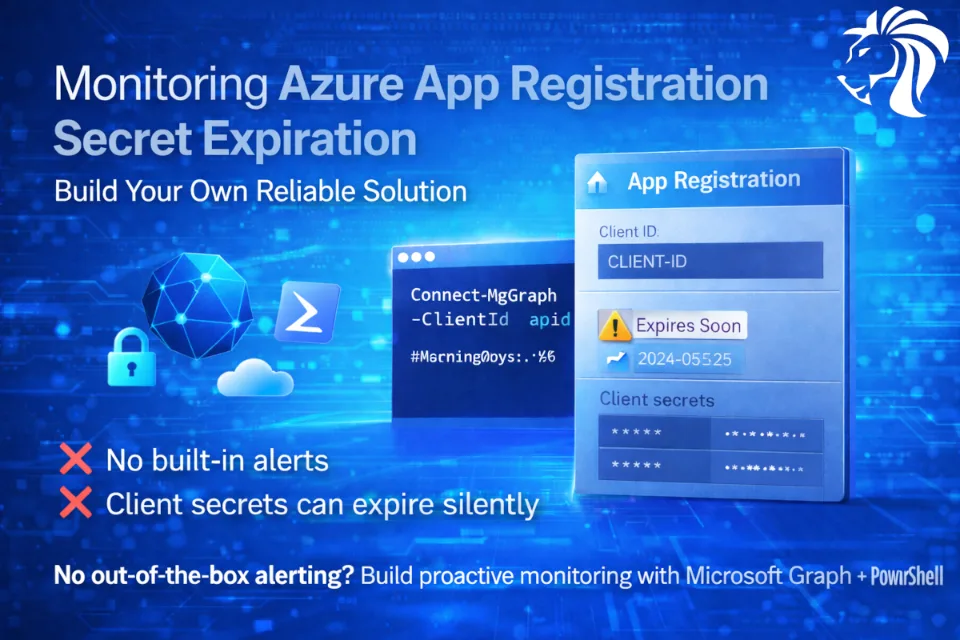
Azure App Registrations power APIs, automation, CI/CD pipelines, background jobs, and integrations — and many still rely on client secrets.
Here’s the uncomfortable truth:
❌ No native alerts
❌ No dashboards
❌ No expiration notifications
When a client secret expires, the application fails silently — and teams usually discover it after an outage.
Why this is a real operational risk
Client secrets:
- Always have expiration dates
- Are often created once and forgotten
- Expire quietly
Typical impact:
- APIs return authentication errors
- Background jobs stop running
- Automation pipelines break
- Business processes fail without warning
Because Azure does not alert you by default, this becomes a recurring operational issue.
Why Azure doesn’t alert you
Azure Monitor and Entra ID currently do not expose:
- Native alerts for App Registration secret expiration
- Metrics that can be wired directly into Azure Monitor
The Azure Portal shows expiration dates — but:
- Requires manual checks
- Doesn’t scale across tenants
- Doesn’t notify anyone
If you want proactive monitoring, you must build it yourself.
What a proper solution looks like
A reliable monitoring solution should:
- Authenticate securely (app-only, certificate-based)
- Query all App Registrations
- Evaluate all secrets per app
- Classify them as:
- Expired
- Expiring soon (e.g. ≤30 days)
- Healthy
- Generate one clear summary alert
- Include actionable information
Solution overview
The recommended approach uses:
- Microsoft Graph PowerShell SDK (Azure AD Graph is deprecated)
- App-only authentication (certificate-based)
- PowerShell for automation and portability
- Email / Teams / logging for alerting
Below is a sanitized example of the core logic.
Script template (example)
⚠️ This is a template — replace placeholders with values for your environment.
#Requires -Modules Az.Accounts, Microsoft.Graph.Authentication, Microsoft.Graph.Applications

$WarningDays = 30

# Authenticate to Microsoft Graph (app-only, certificate-based)
Connect-MgGraph `
    -TenantId "<TENANT-ID>" `
    -ClientId "<APP-ID>" `
    -CertificateThumbprint "<CERT-THUMBPRINT>"

$ExpiredSecrets = @()
$ExpiringSoon   = @()

# Get all App Registrations with secrets
$apps = Get-MgApplication -All -Property displayName,appId,passwordCredentials

foreach ($app in $apps) {
    foreach ($cred in $app.PasswordCredentials) {

        if (-not $cred.EndDateTime) { continue }

        $end  = [datetimeoffset]$cred.EndDateTime
        $now  = [datetimeoffset]::UtcNow
        $days = ($end - $now).Days

        if ($days -lt 0) {
            $ExpiredSecrets += [pscustomobject]@{
                Application = $app.DisplayName
                AppId       = $app.AppId
                KeyId       = $cred.KeyId
                ExpiredDays = [math]::Abs($days)
                EndDateUtc  = $end.UtcDateTime
            }
        }
        elseif ($days -le $WarningDays) {
            $ExpiringSoon += [pscustomobject]@{
                Application = $app.DisplayName
                AppId       = $app.AppId
                KeyId       = $cred.KeyId
                DaysLeft    = $days
                EndDateUtc  = $end.UtcDateTime
            }
        }
    }
}

# From here you can:
# - send an HTML email
# - post to Teams / Slack
# - write to Log Analytics
# - export CSV for audit
Alerting best practices
From real-world operations, these work best:
- Single summary alert per run (avoid noise)
- 30-day warning window
- Clear ownership (app name + AppId)
- Actionable output (what exactly must be renewed)
Security recommendations
✔ Prefer certificate-based authentication
✔ Never store secrets in code
✔ Remove old secrets after rotation
✔ Run checks daily or weekly
✔ Treat secret rotation as a standard ops task
Final takeaway
Client secret expiration is guaranteed, not an edge case.
Azure provides the building blocks — not the monitoring.
By combining:
- Microsoft Graph
- PowerShell
- Simple alerting logic
you can eliminate one of the most common and avoidable Azure outages and turn it into a predictable, manageable process.